
Docs
Patch fixes a live page from your browser in a minute. It's a temporary fix: it removes itself when your real update goes live.
1. Install
Sign in, Add site, then paste its tag into every page's <head>:
<script async src="https://patch.searchstack.dev/s/SITE_KEY.js"></script>2. Make a patch
New patch, enter the page (/visit, /blog/* for a section, * for every page) and Load page. Patch shows it as served.
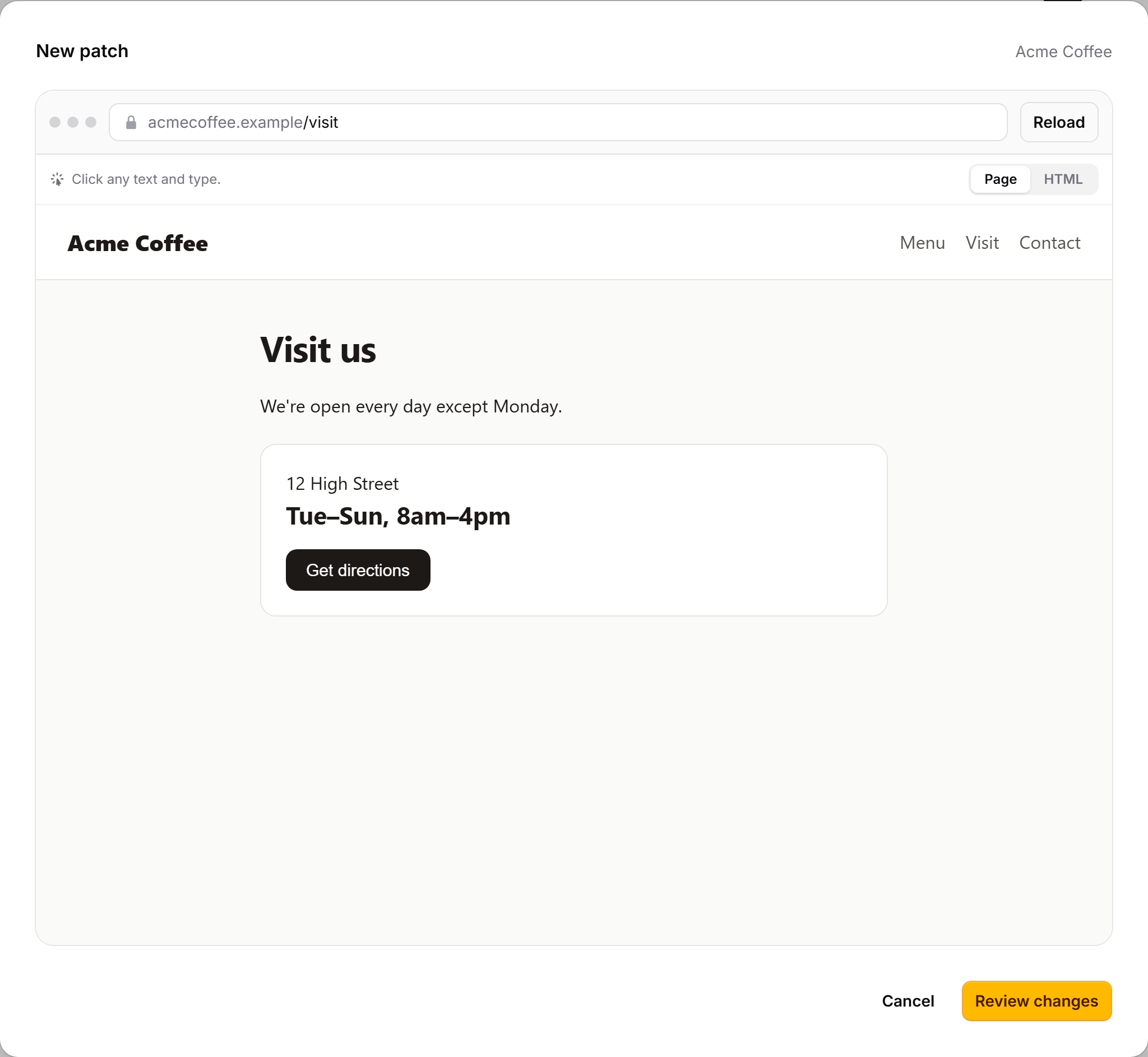
| Page | Click any text and type. |
| HTML | Links, markup, or a script added to the head. |
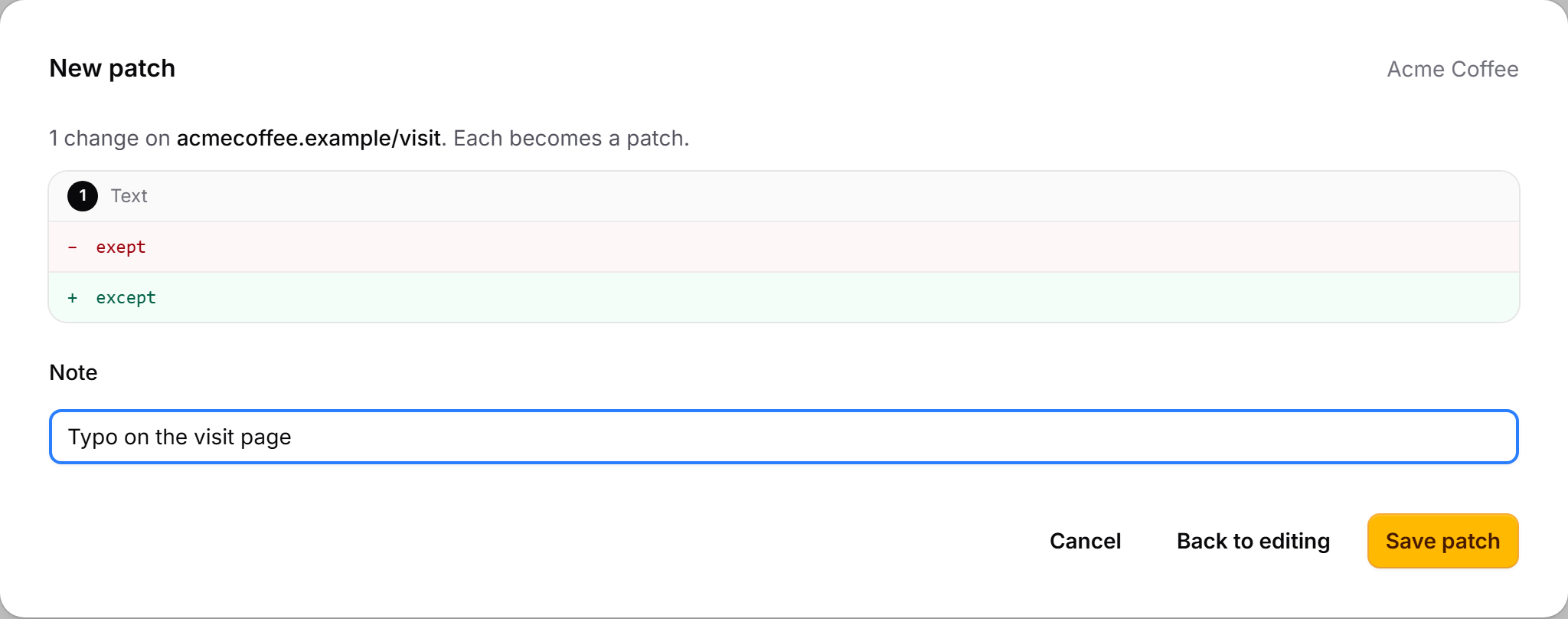
Review changes shows what each patch will do, then save:
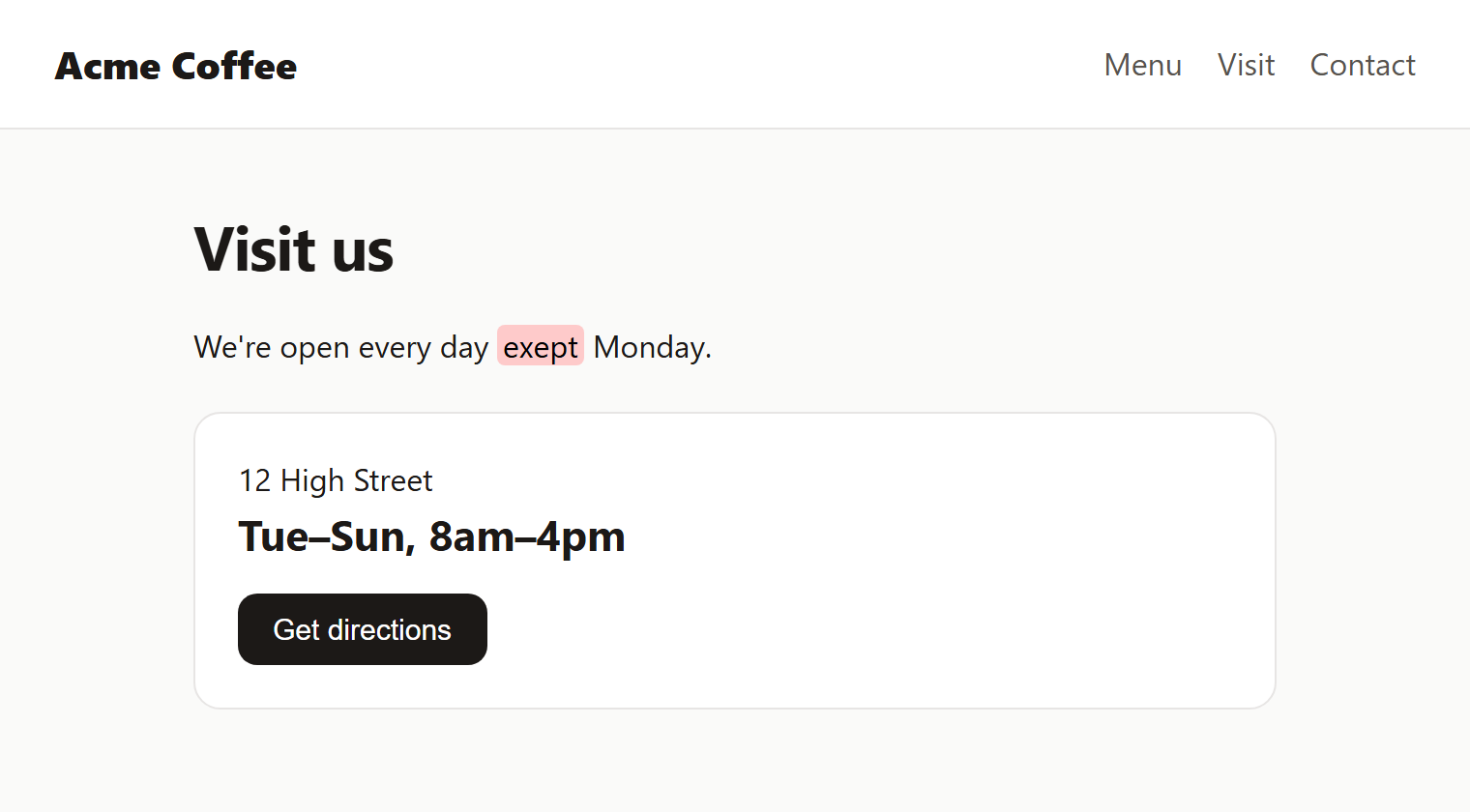
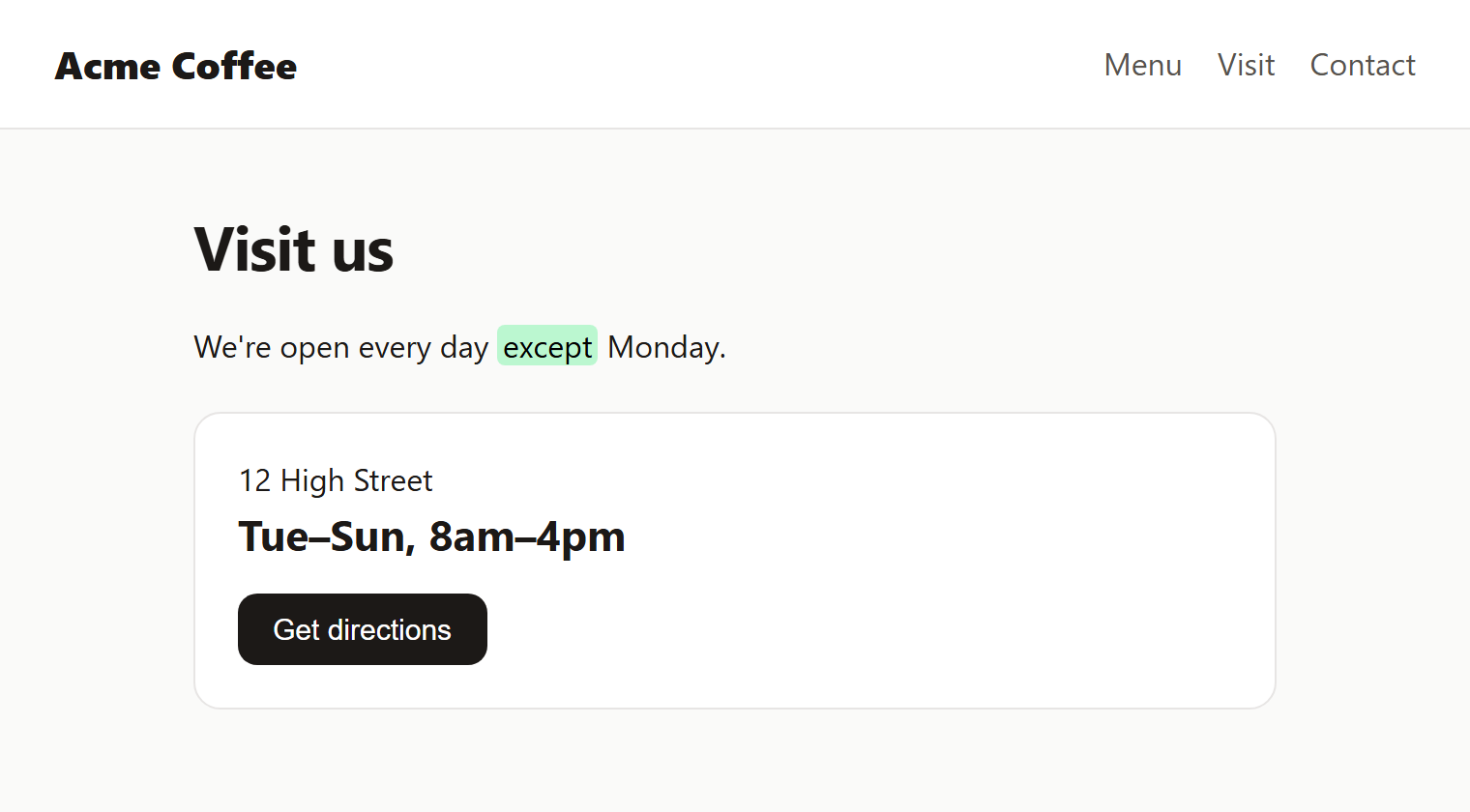
3. Visitors see the fix
4. It removes itself
Upload the real fix whenever. The patch sees it and retires.


| The page has | Patch |
|---|---|
| Find | Applies |
| Replace | Landed: removes itself |
| Neither | Needs attention |
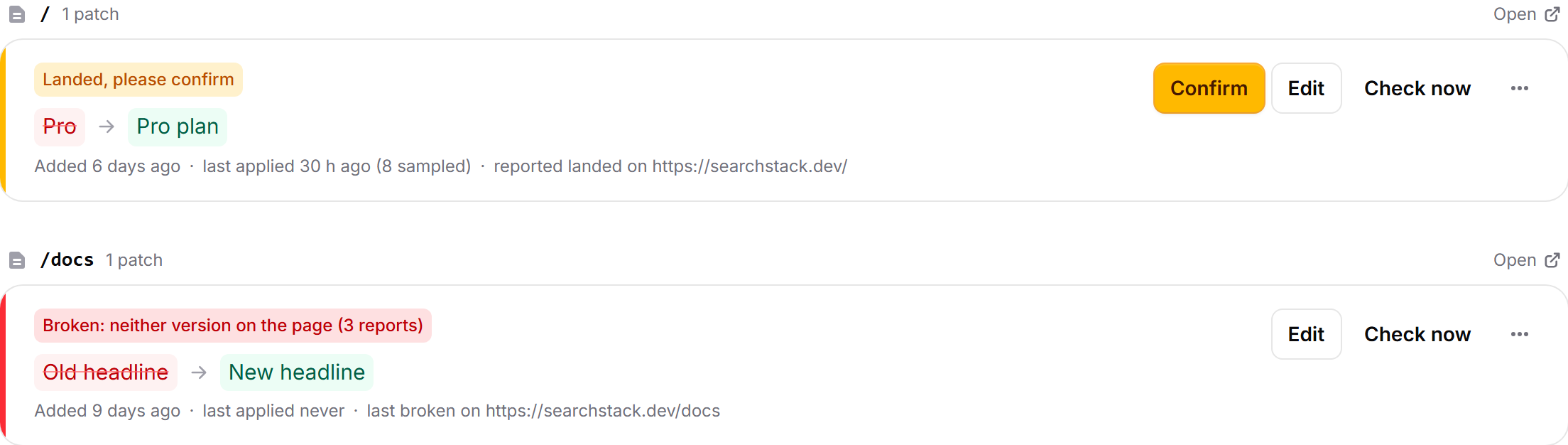
Copy to-do gives you the active patches as a checklist for your next deploy.
5. Ask your agent
Connect Patch to Claude Code (or any MCP client), then sign in when it asks:
claude mcp add --transport http patch https://patch.searchstack.dev/mcpThen just ask: "On acmecoffee.example/visit, fix 'exept'." It reads the page, makes the patch and can check it landed. See and disconnect agents under Agents in the console. The same sign-in works for the API at /api/v1.
6. Limits
- Text split by tags (
Hello <b>world</b>): put the HTML in Find. - Content built by JavaScript after load isn't seen.
- Upload the real fix too: search engines see the page as uploaded.
7. Content Security Policy
script-src https://patch.searchstack.dev; connect-src https://patch.searchstack.devAdding inline scripts also needs 'unsafe-inline'.